Data visualization

Dr. Glover

Learning objectives

  • Choose appropriate graphing types to visual data
  • Use ggplot and ggplot ‘layers’ to produce charts, including histograms, scatter plots, line graphs, and box plots.
  • Change the aesthetics of charts, including size, color, shape theme.
  • Add labels to graph.
  • Create facets to display different factors on different graphs
  • Save plots

Types of graphs

What are some examples of types of graphs that you know?

Types of graphs

  • Histograms
  • Scatterplots
  • Box plots
  • Line graphs
  • Bar graphs
  • Pie charts

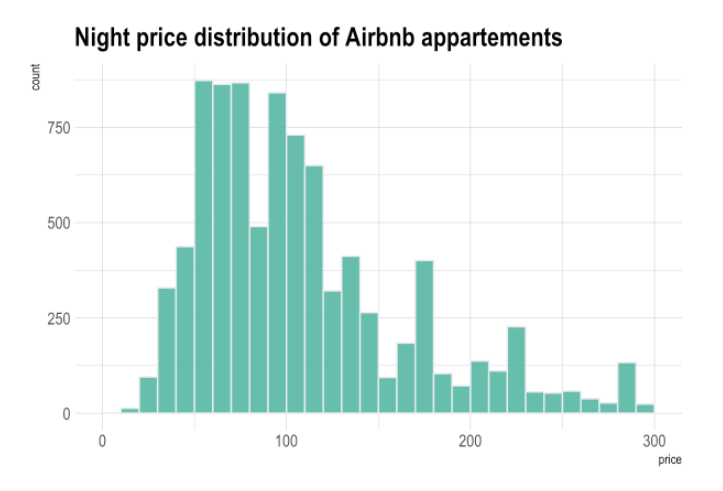
Histograms

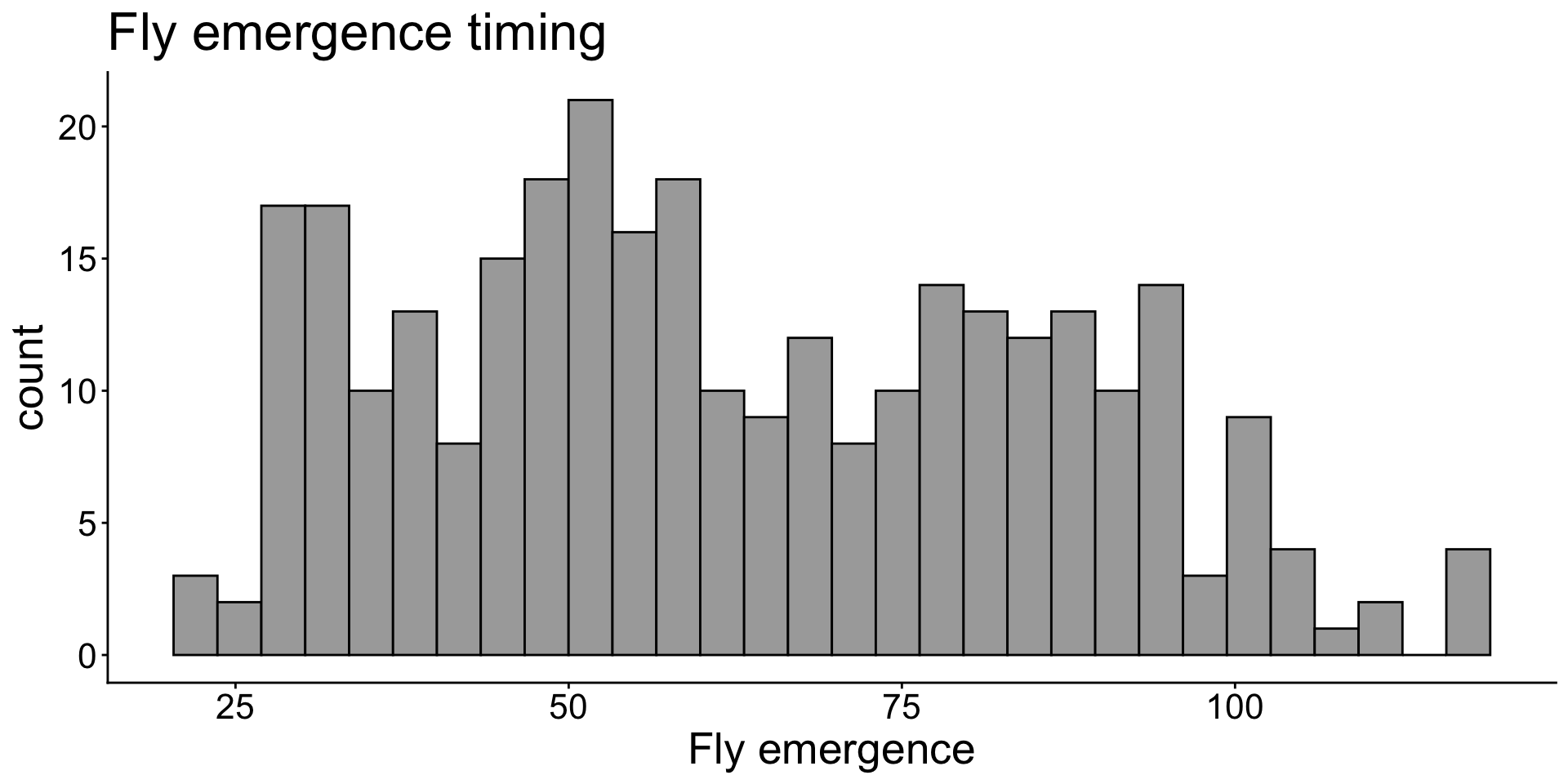
Histograms show the distribution of data.
Scatterplots or dot plots are used with two numeric variables

Scatterplots are good for viewing relationships or correlations between variables.
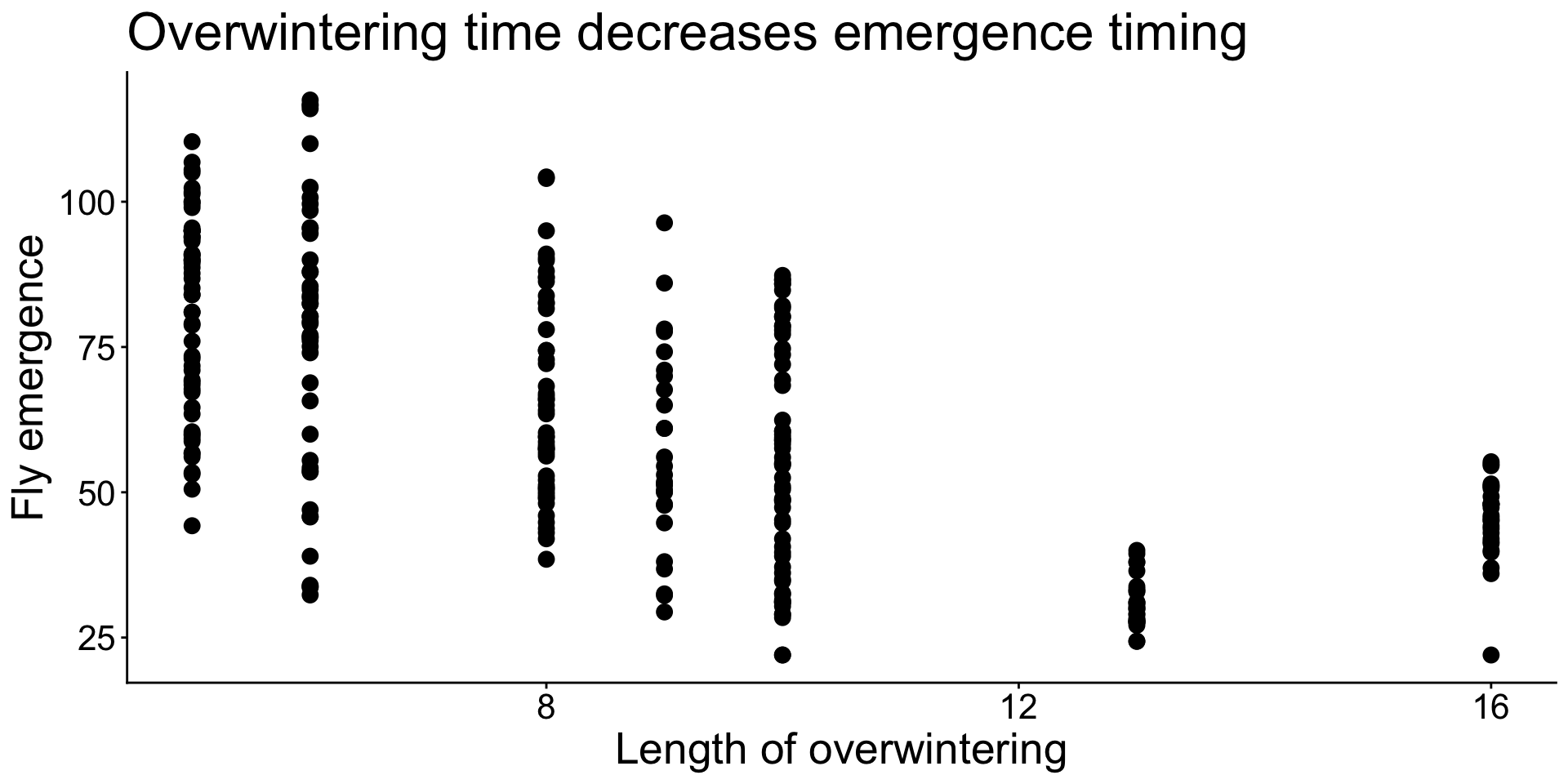
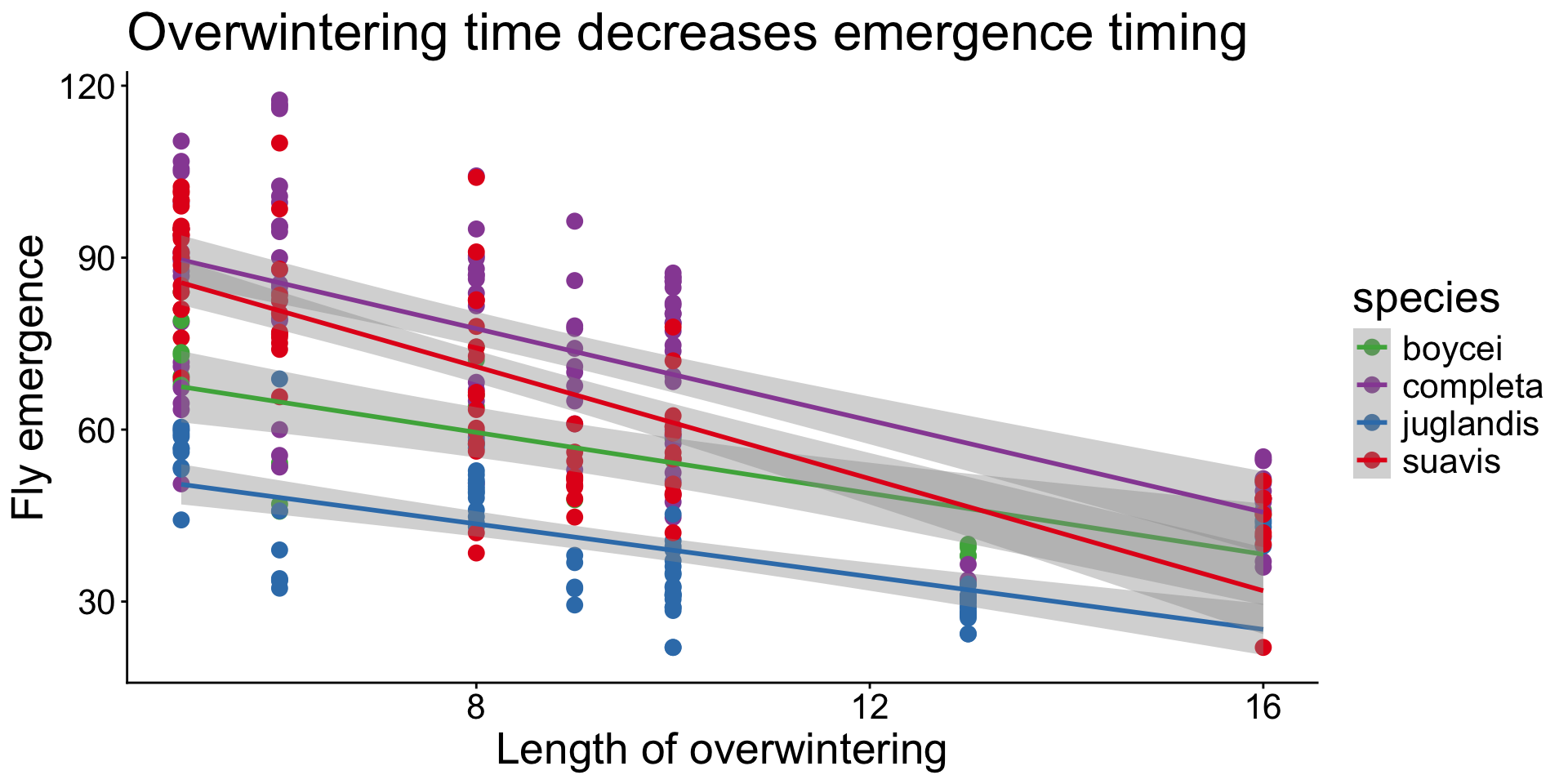
Add trend line
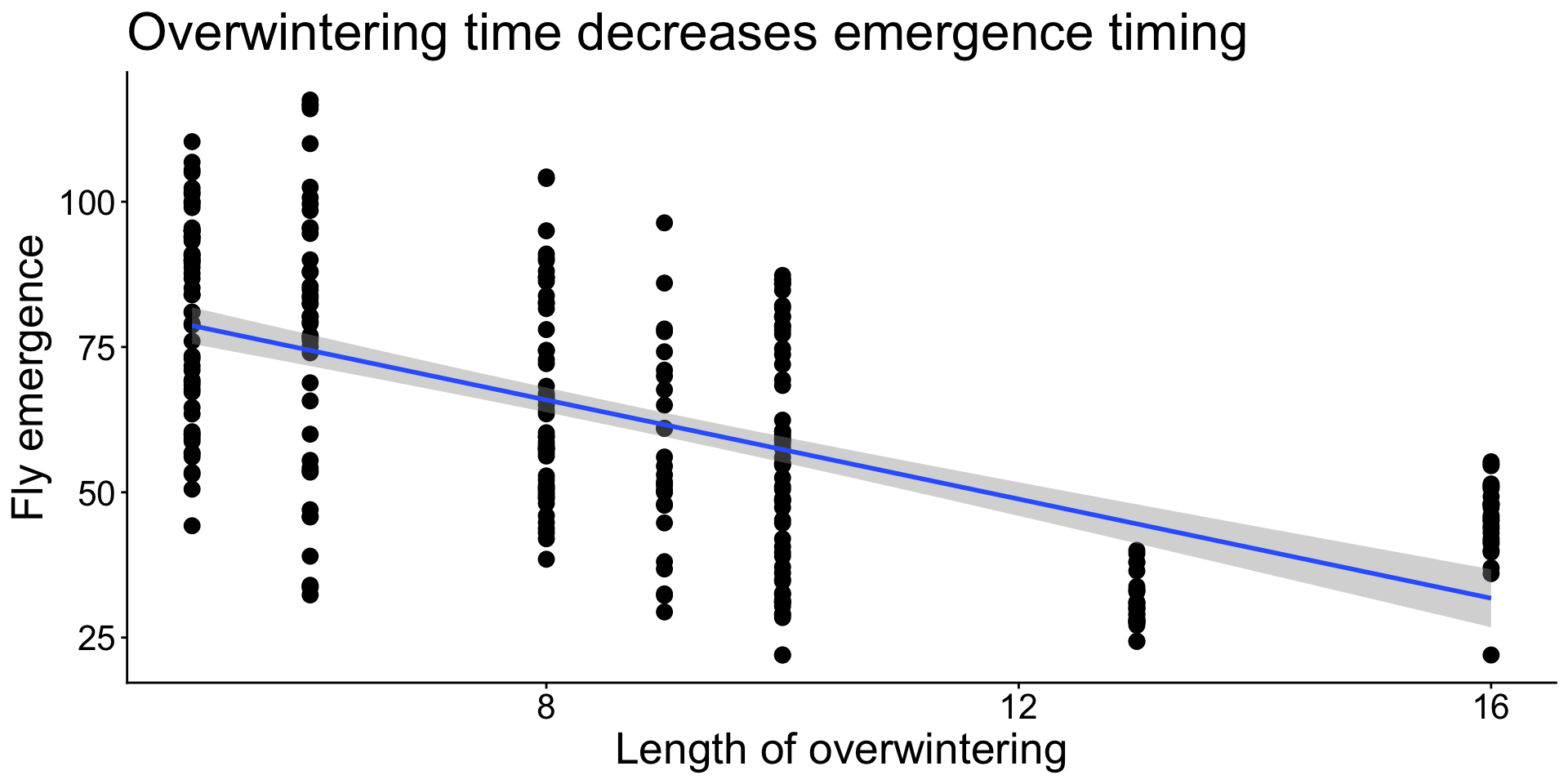
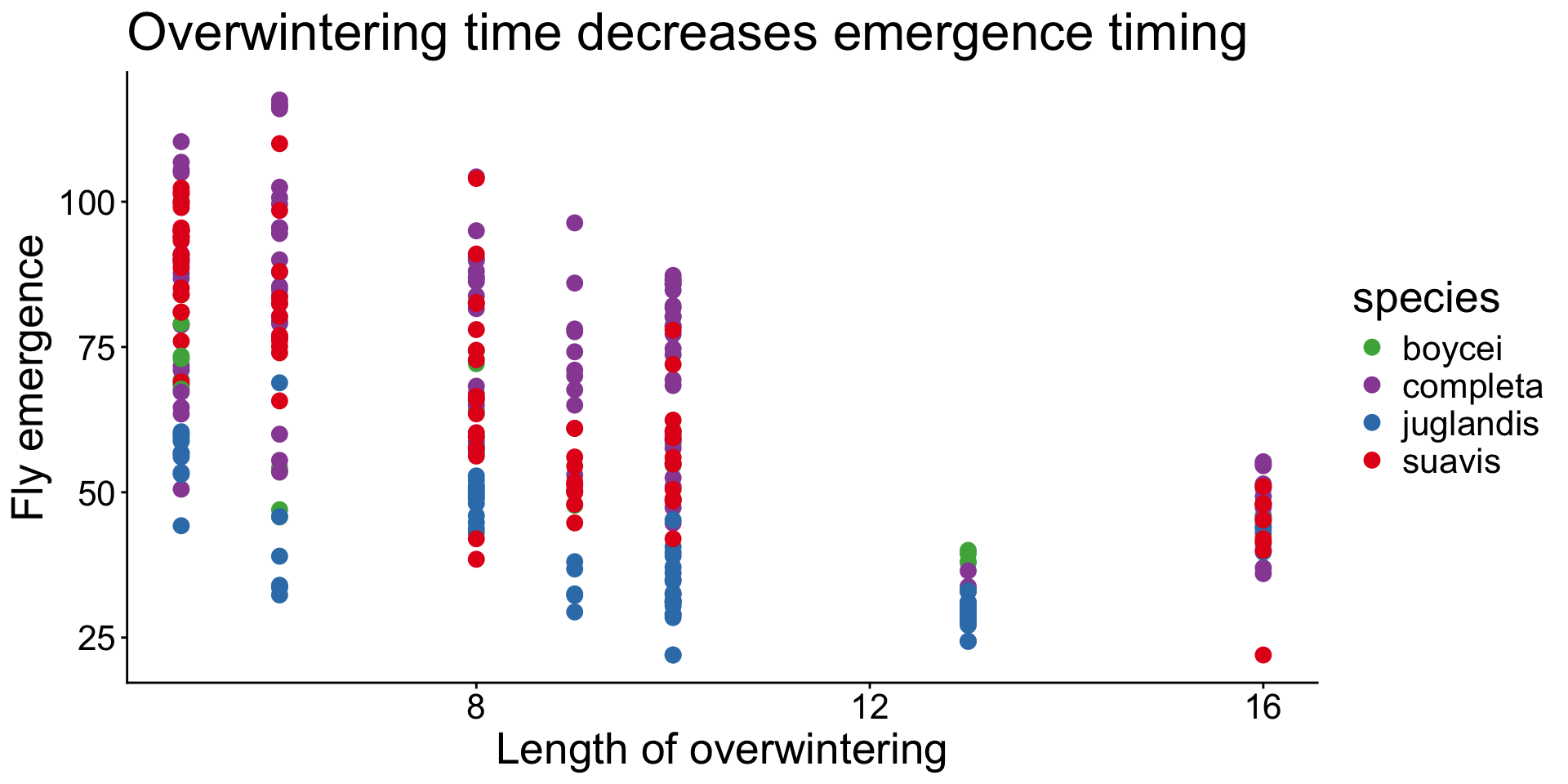
Add trend line
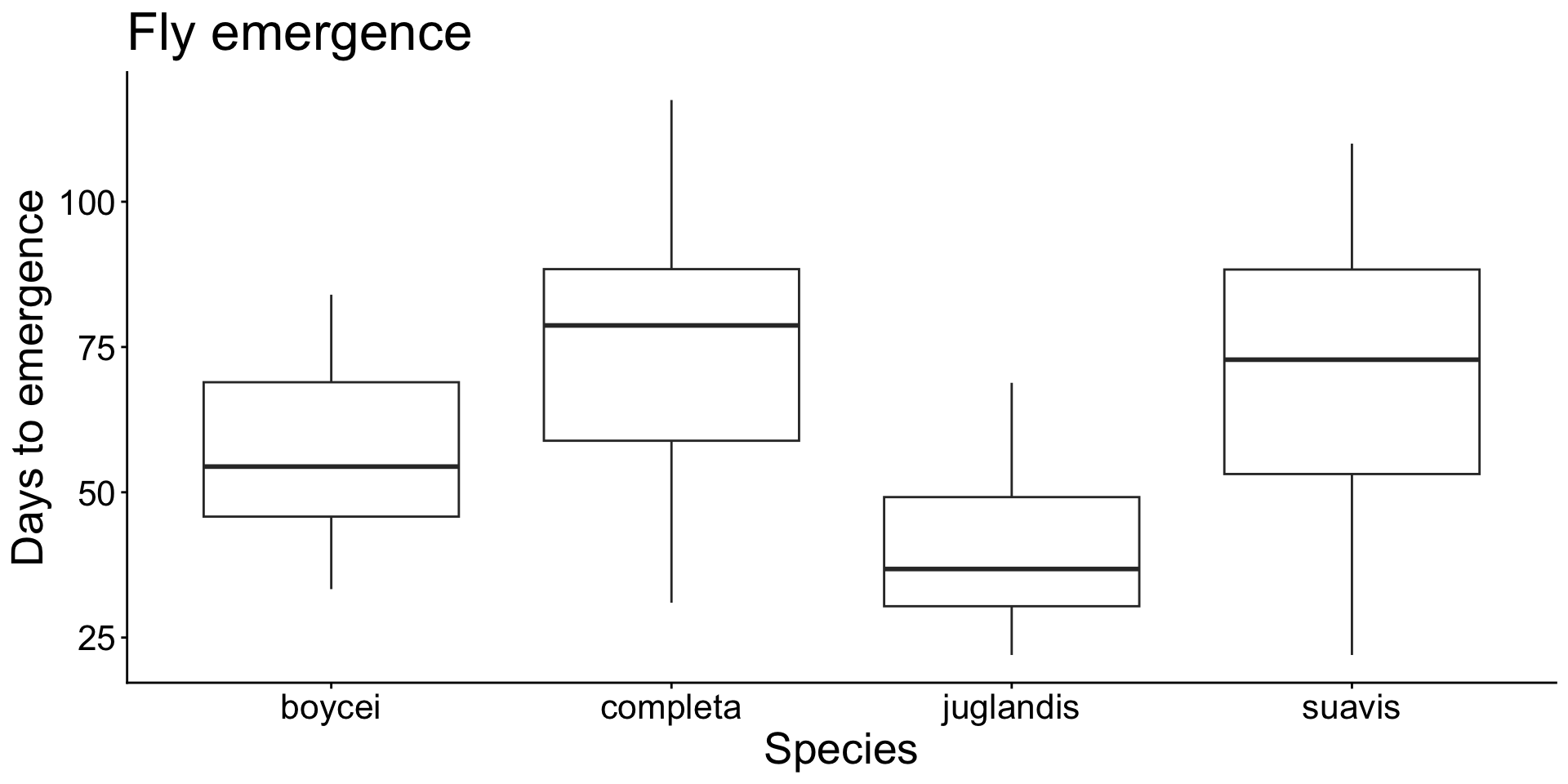
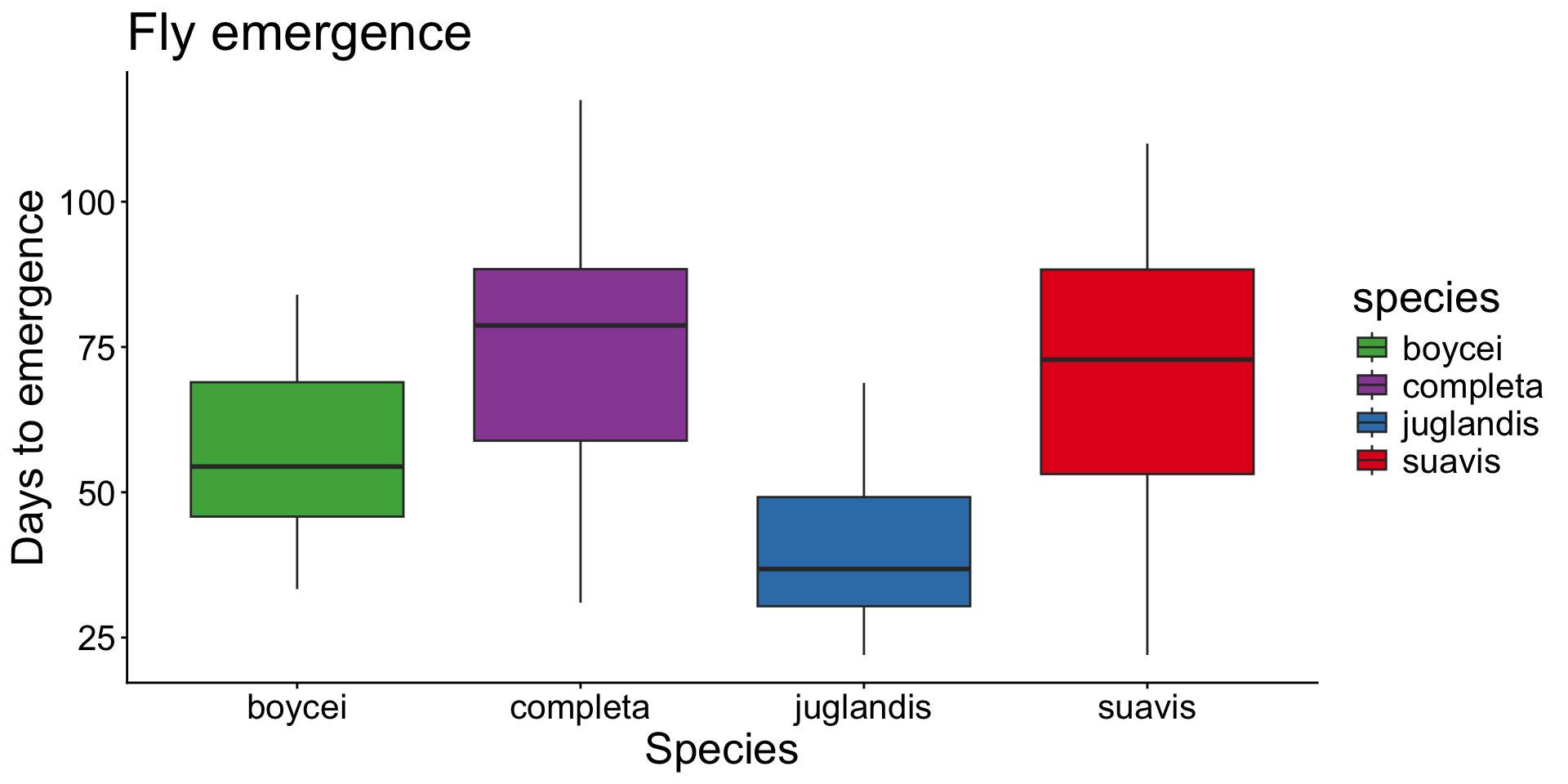
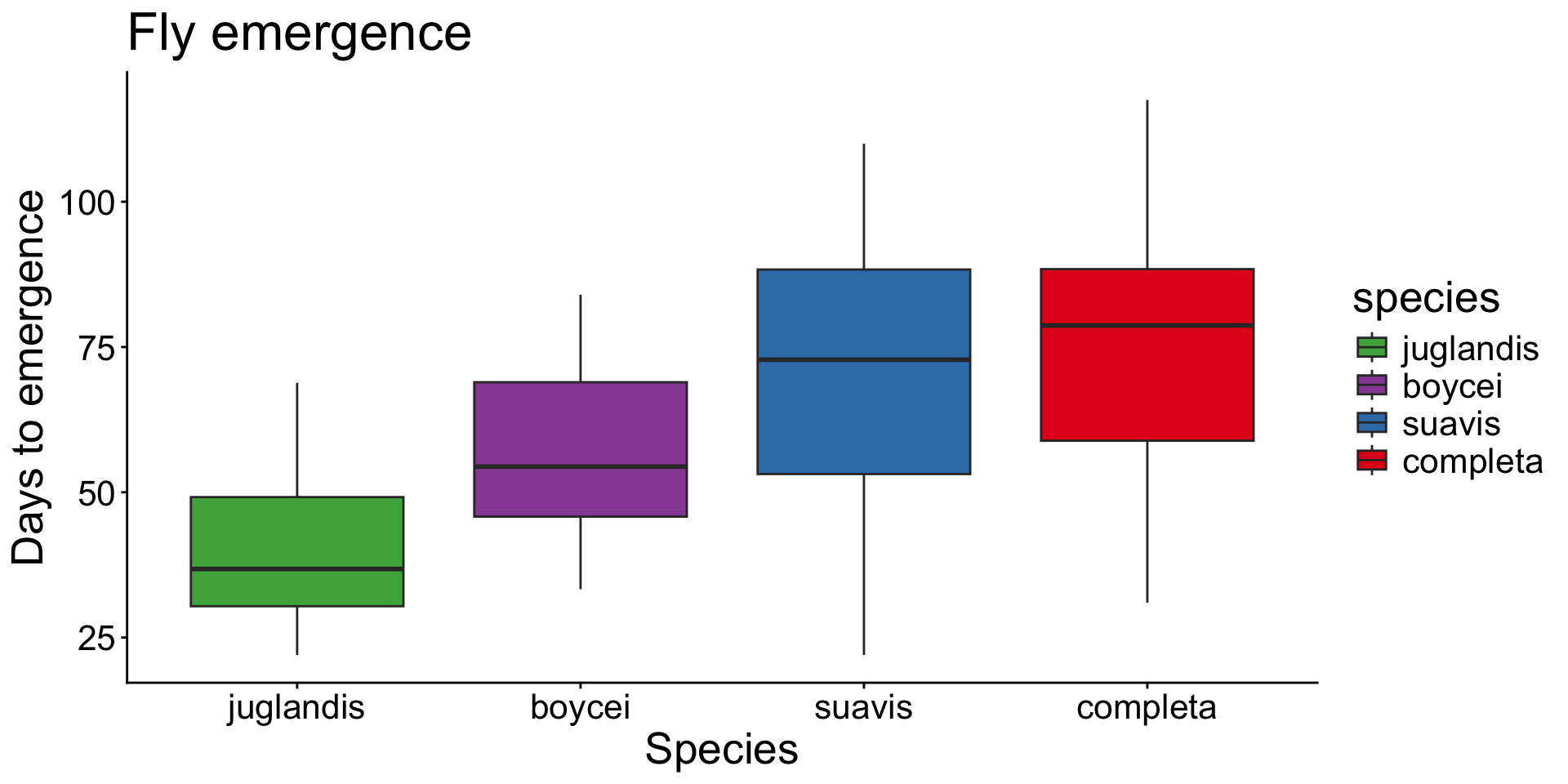
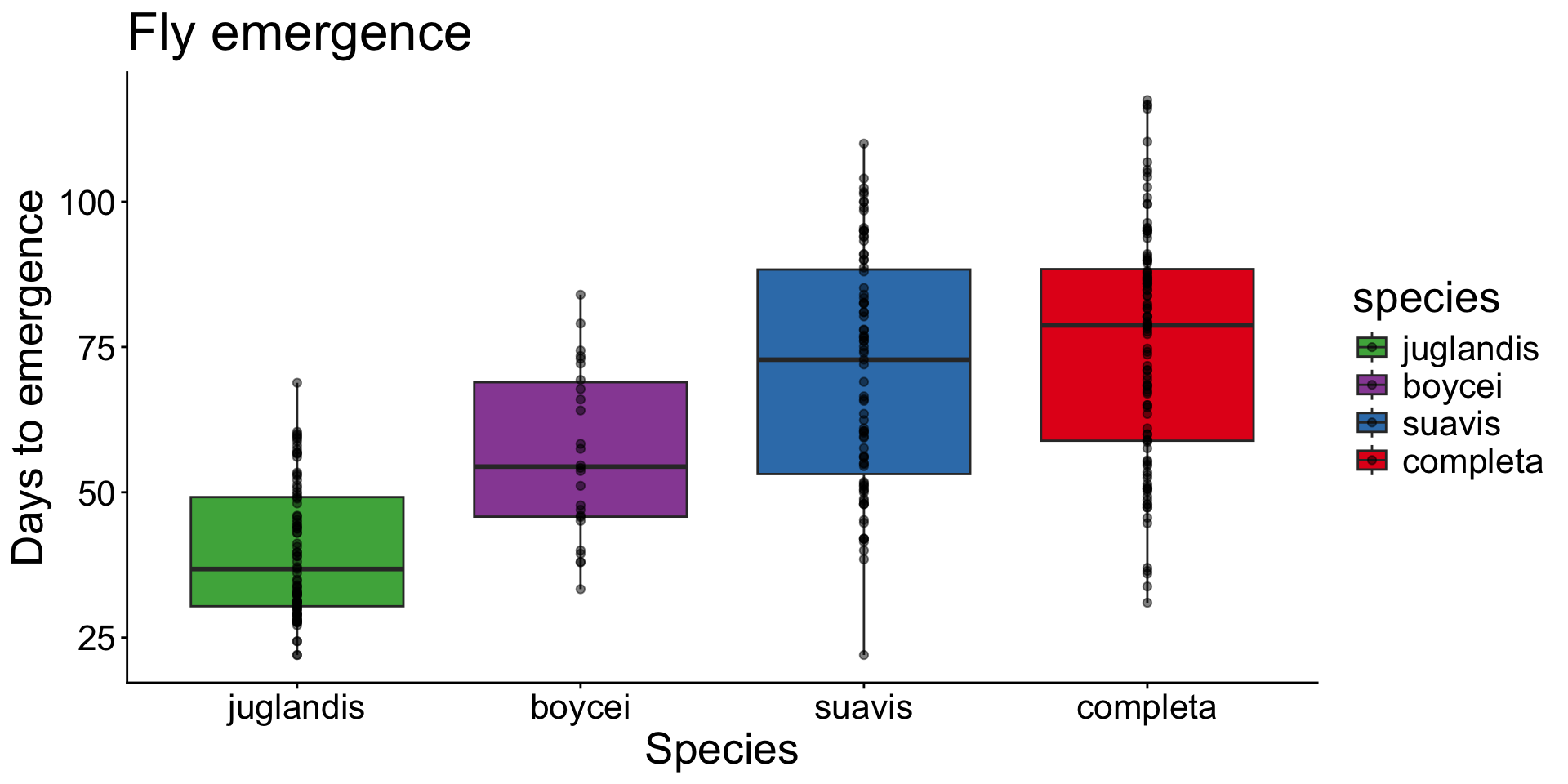
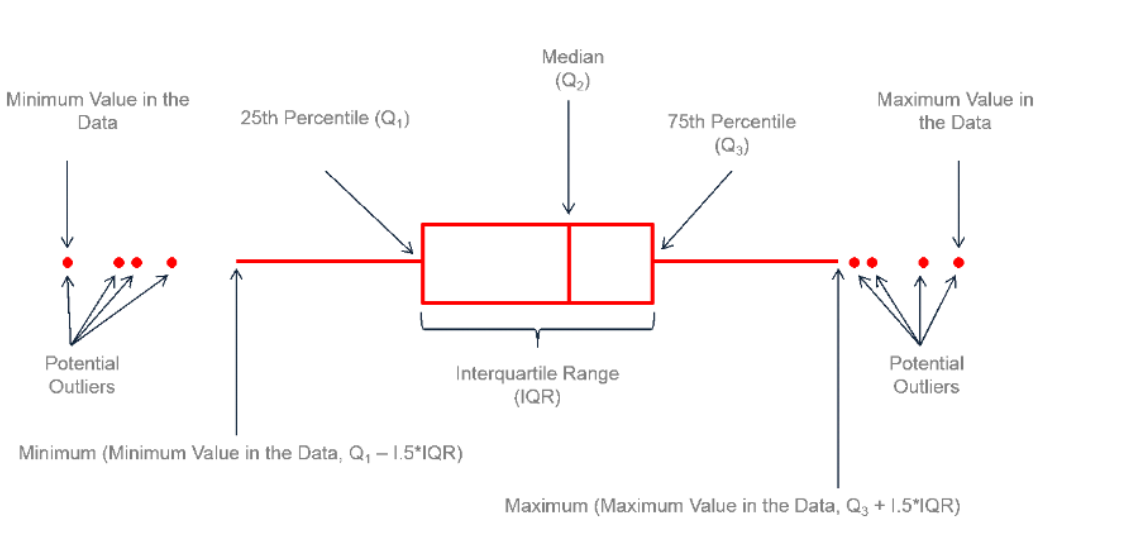
Boxplots show a summary of the data
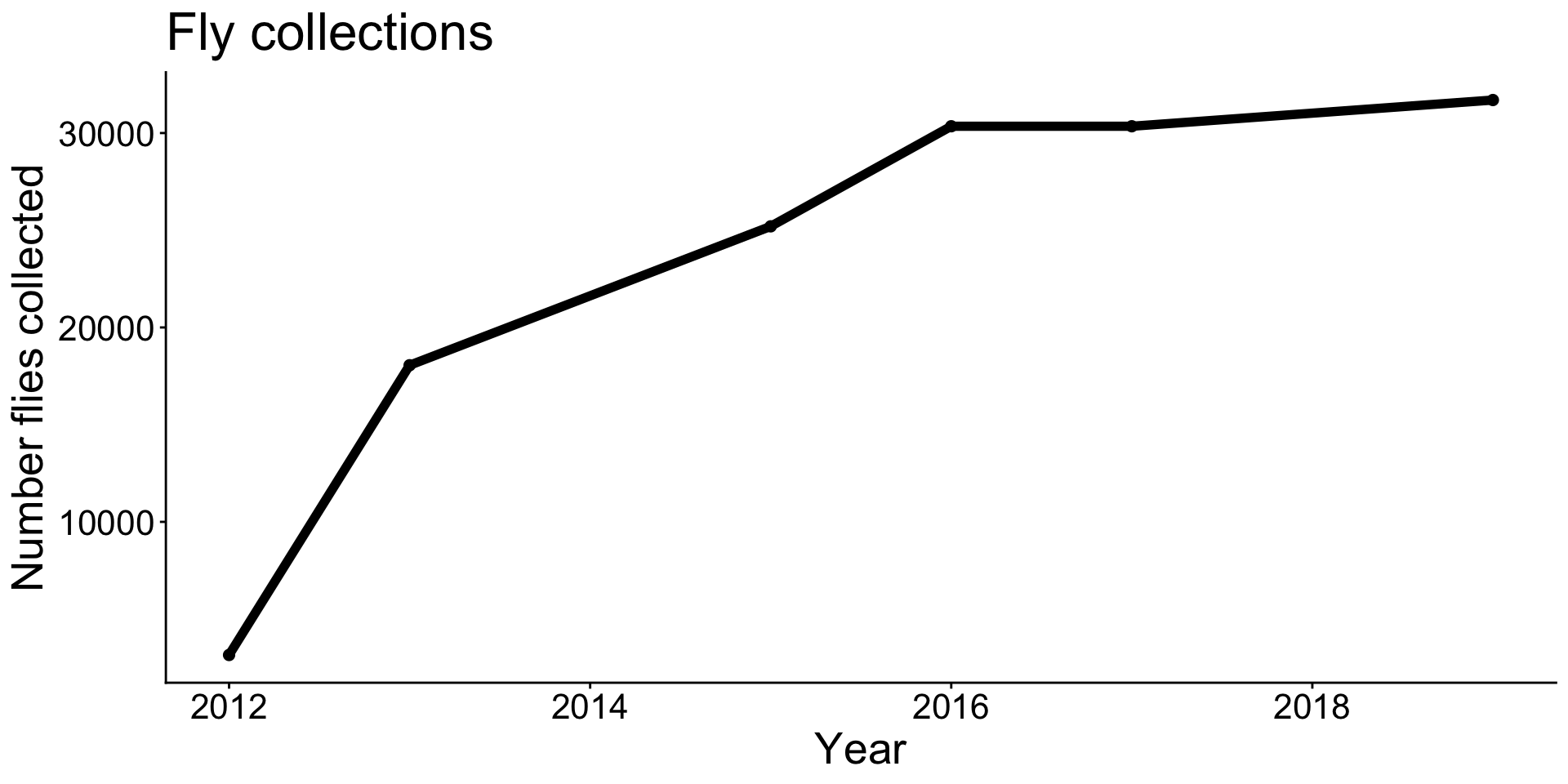
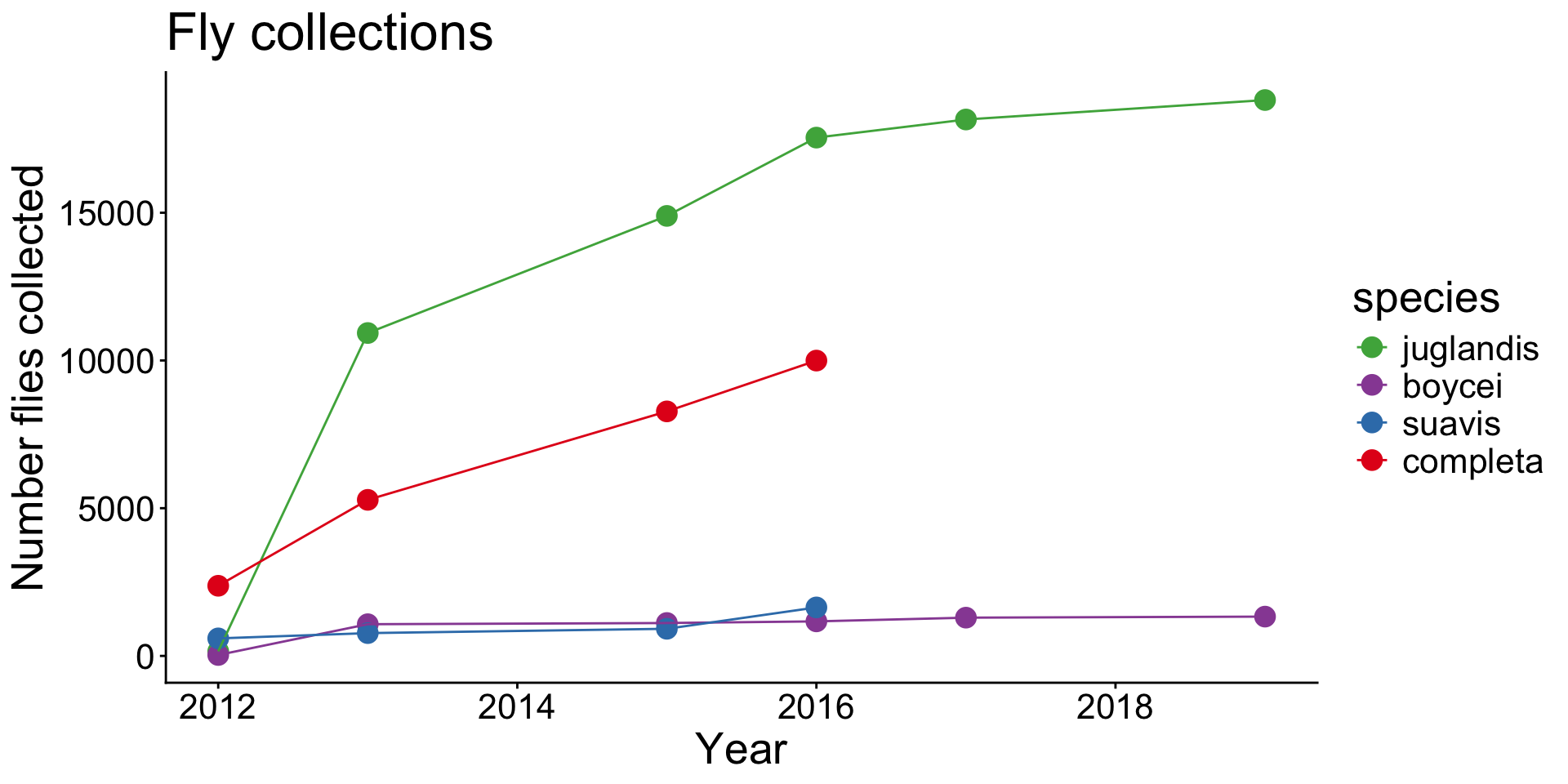
Line graphs connect data points with lines.

  • Most commonly used with time or dates.
  • Do not connect points that should not be connected! Lines give the appearance of a continuum, which is not always the case.

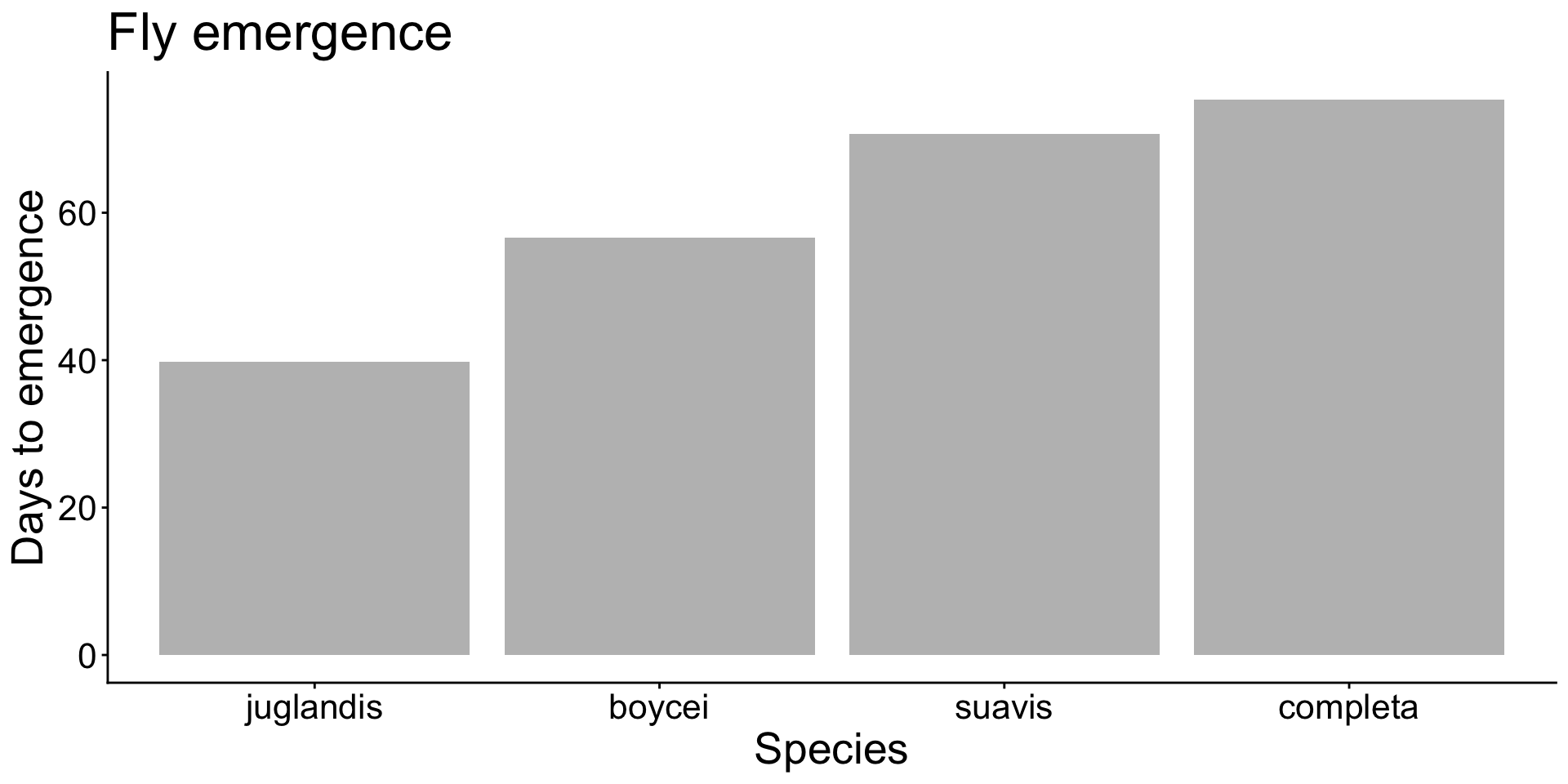
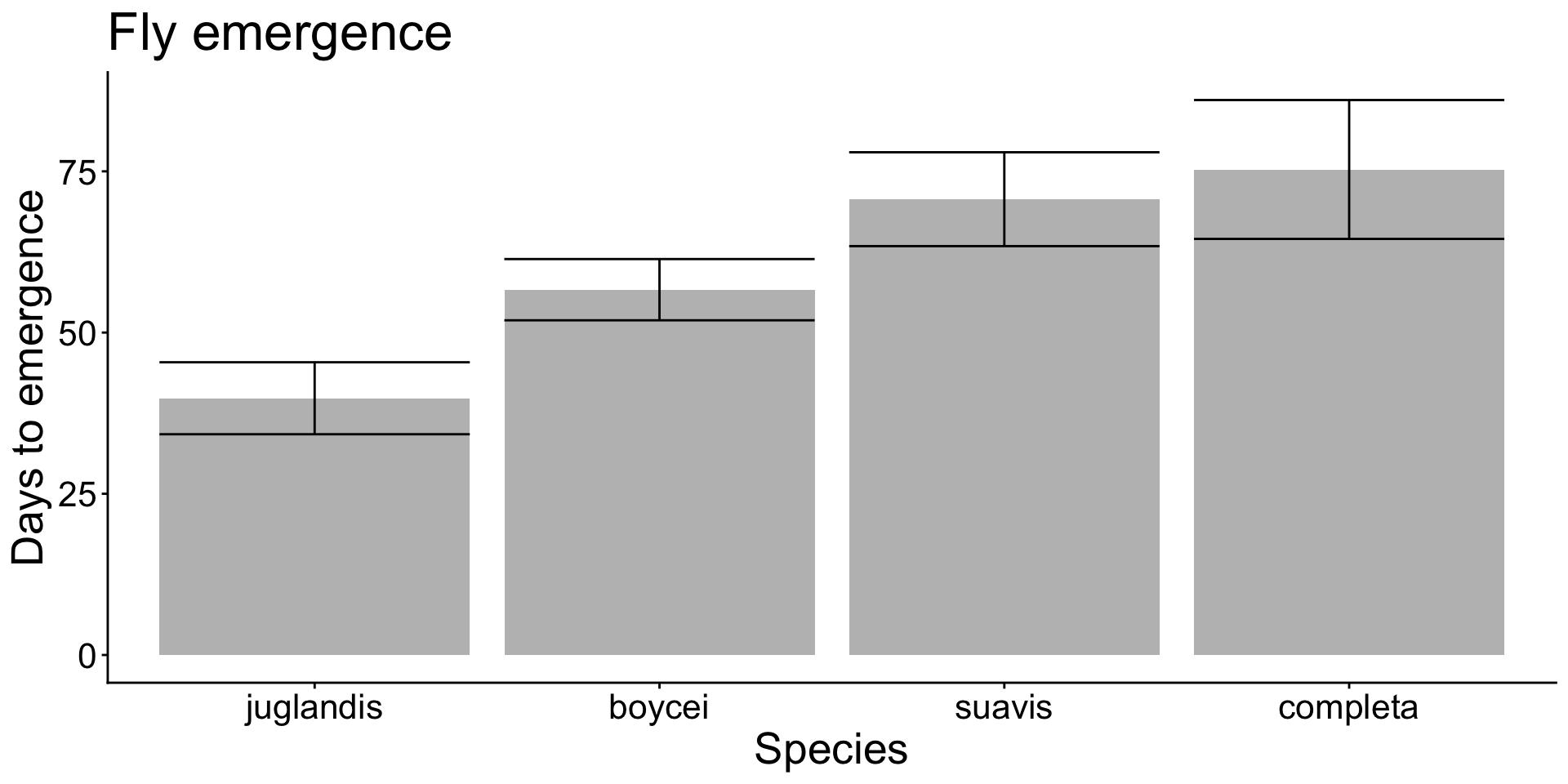
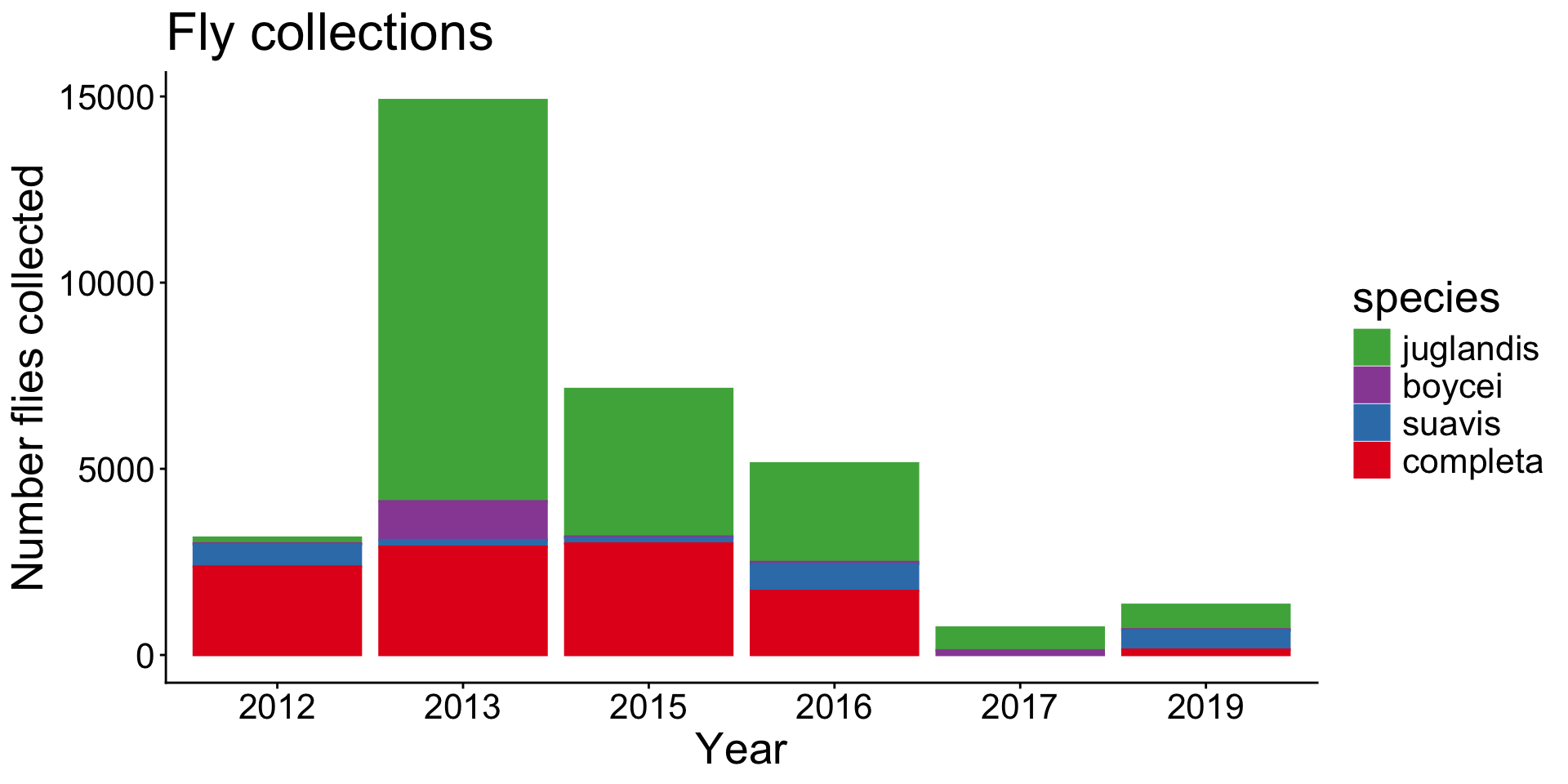
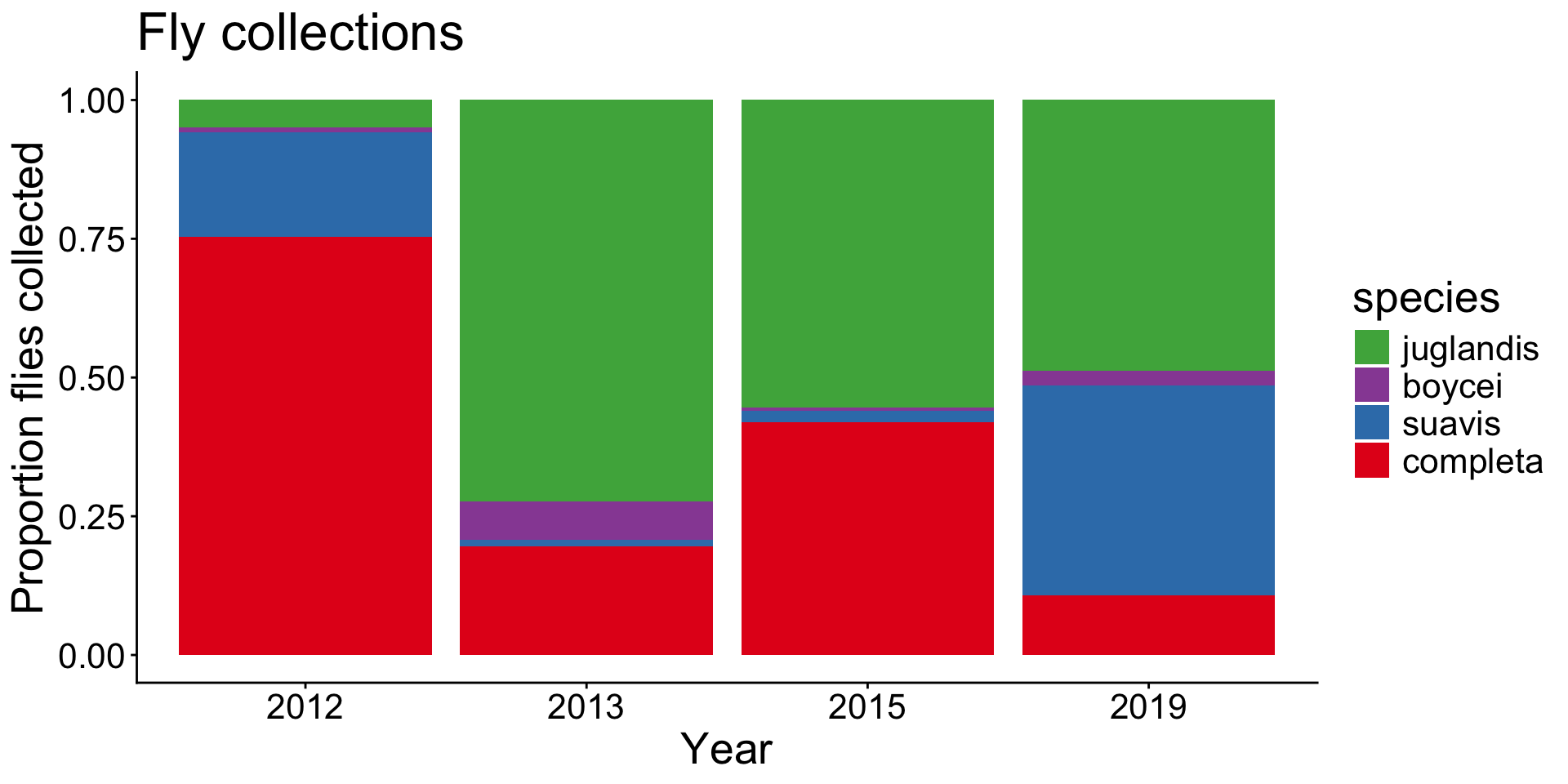
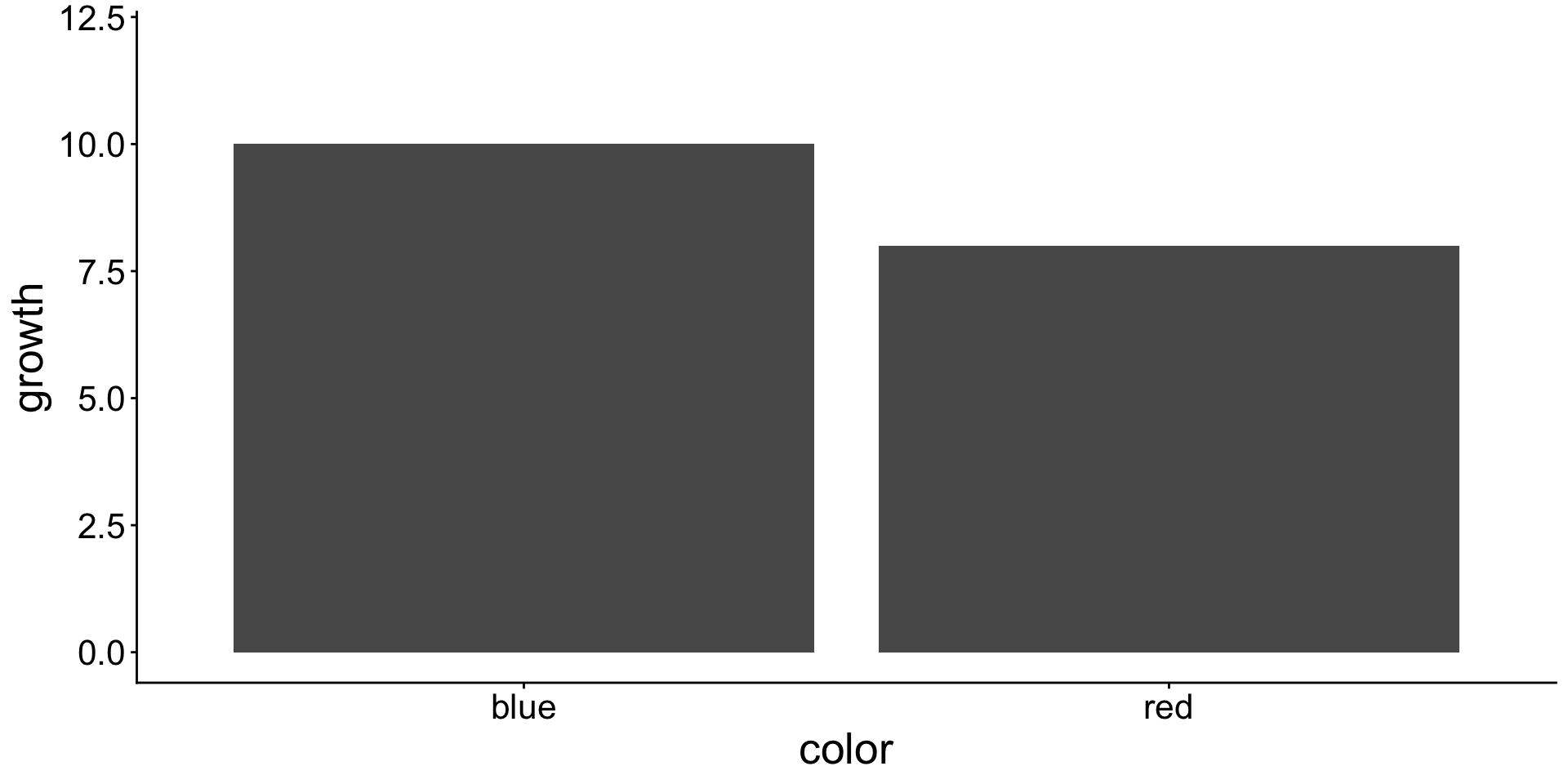
Bar graph show data for a numeric and categorical variable.

  • Each bar represents one value.
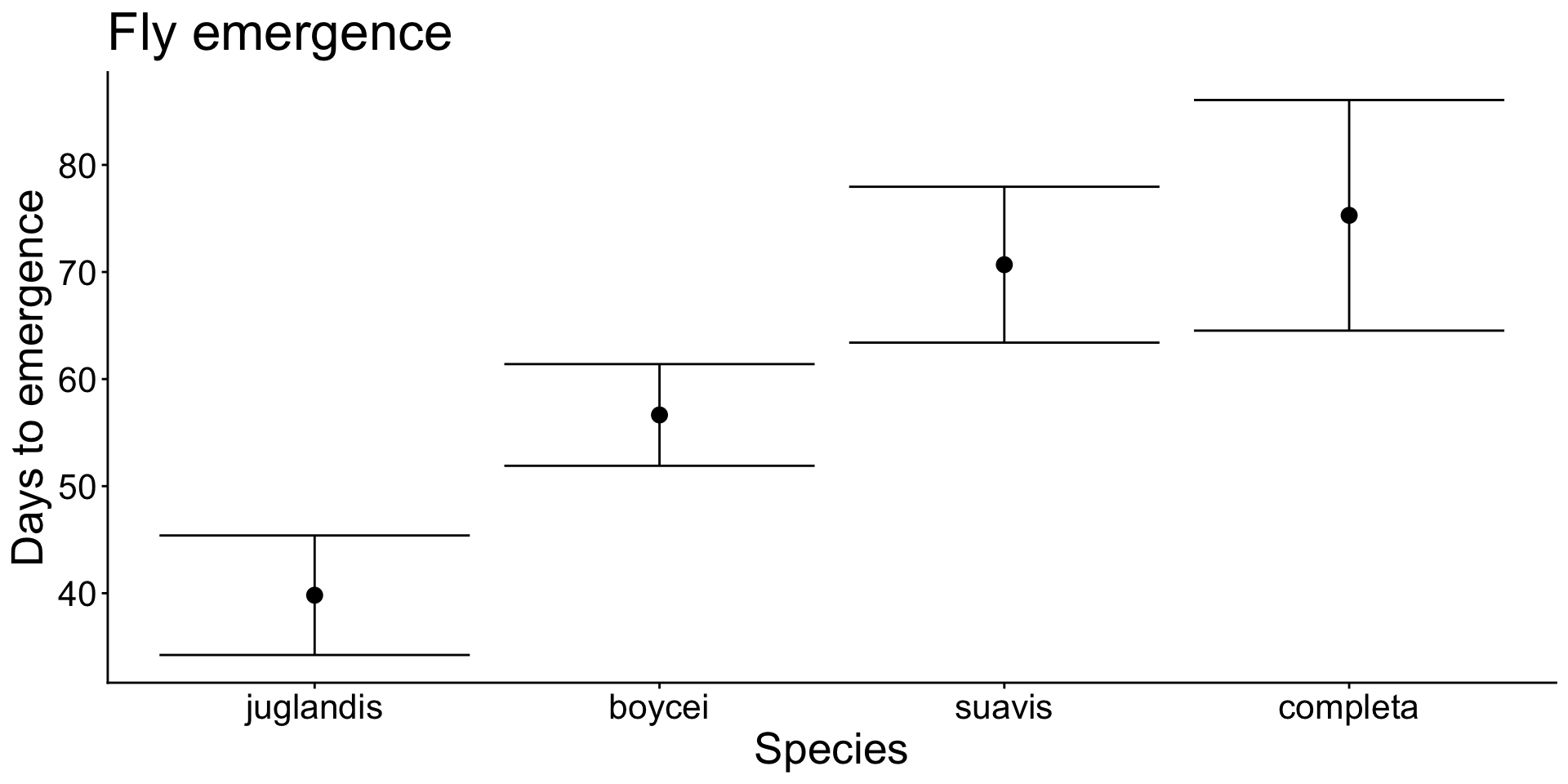
  • This is a lot of graph and space for little information
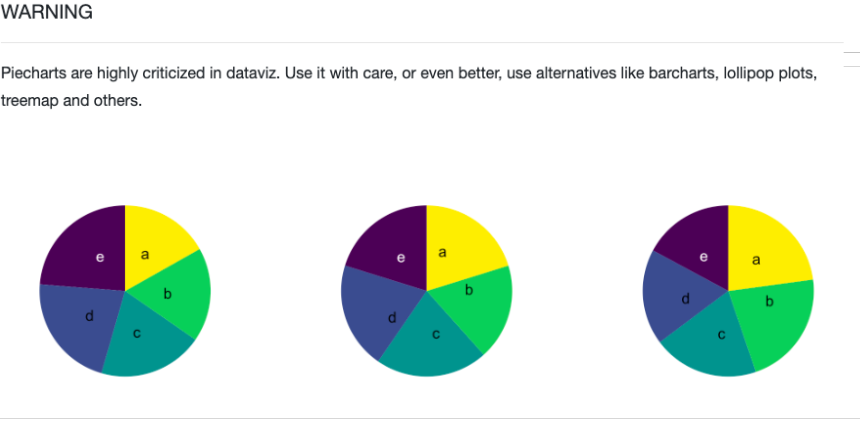
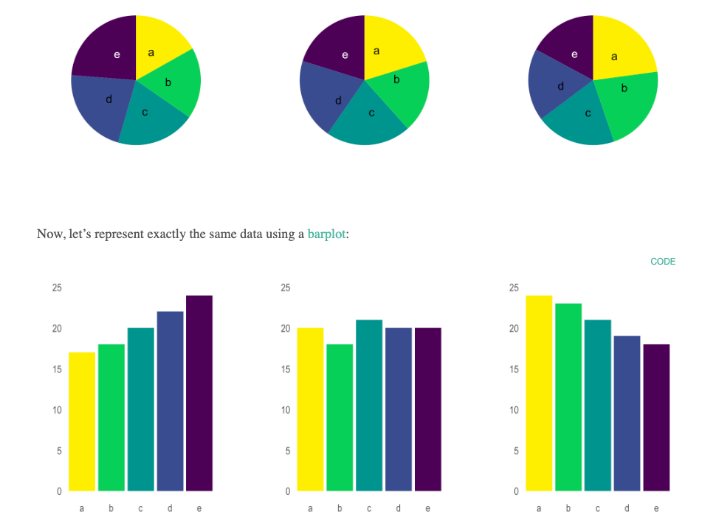
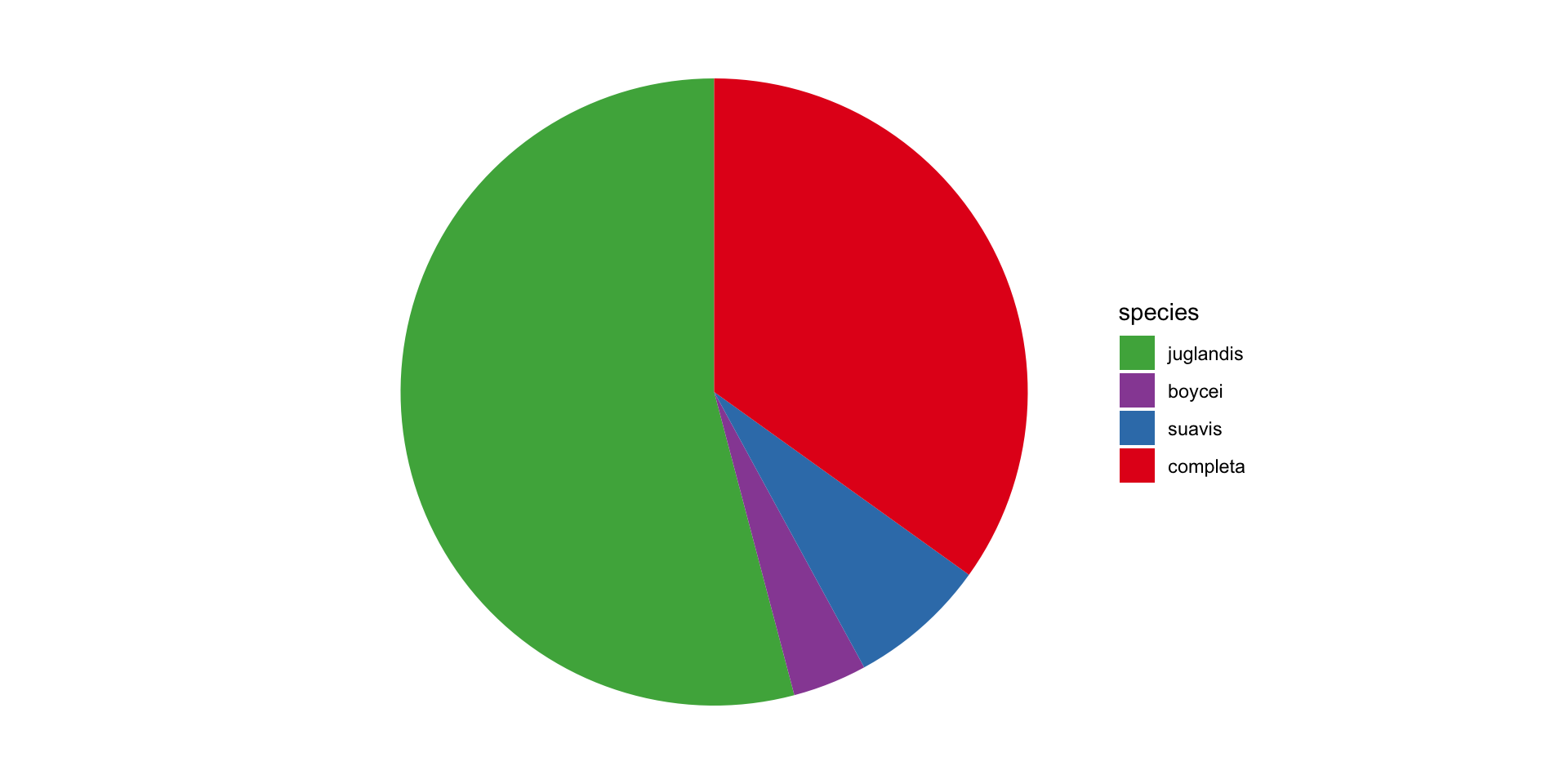
Pie charts show proportions

  • Pie charts in general are discouraged.
  • It can be hard to infer relationships.
Resources